

Your account
Create an account, sign in, and reset your password.
Create an account
Go to pharmanalyser.co.uk/register. Sign up with your email address and a password, or use Continue with Google.
Passwords need at least 7 characters, with upper and lower case letters, a number and a symbol.
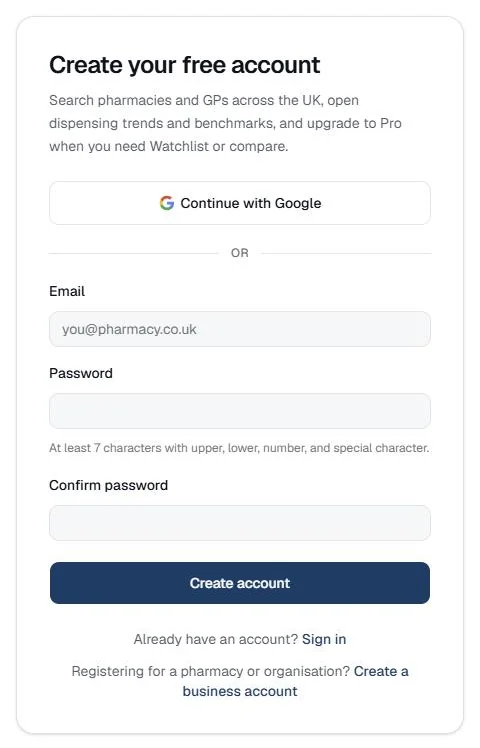
We email you a link to confirm your address. You can use PharmAnalyser before you click it.
Sign in
Sign in at pharmanalyser.co.uk/login with your email and password, or with Google if that's how you signed up.
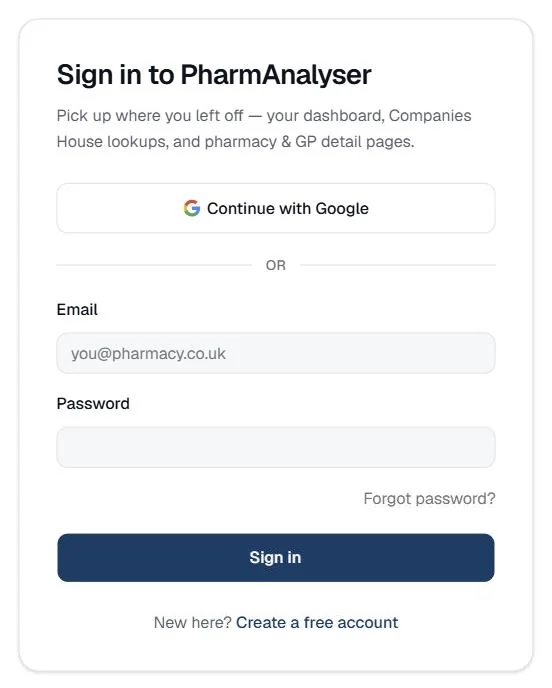
Forgotten your password?
Click Forgot password? under the password box on the sign-in page and we'll email you a link to set a new one.
To change your password while signed in, go to Account in the dashboard menu.
Plans
What each plan includes is on the pricing page. Where a section needs a plan you don't have, the page says so.