

Finding and sharing reports
Open, download and share the reports you've made.
Open a report from the bell, from View reports on the page, or from Reports in the dashboard menu. The web copy and the PDF hold the same figures.
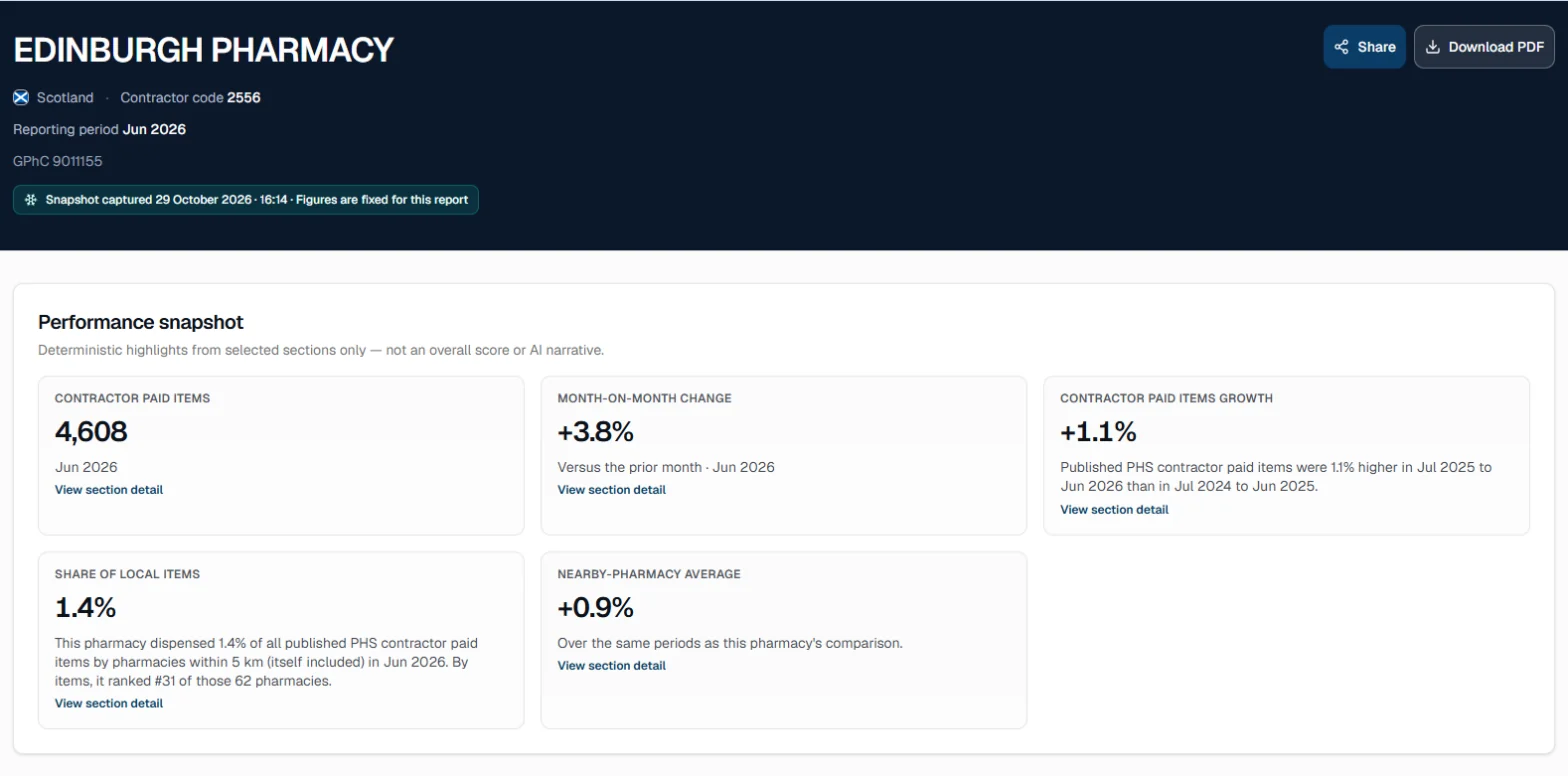
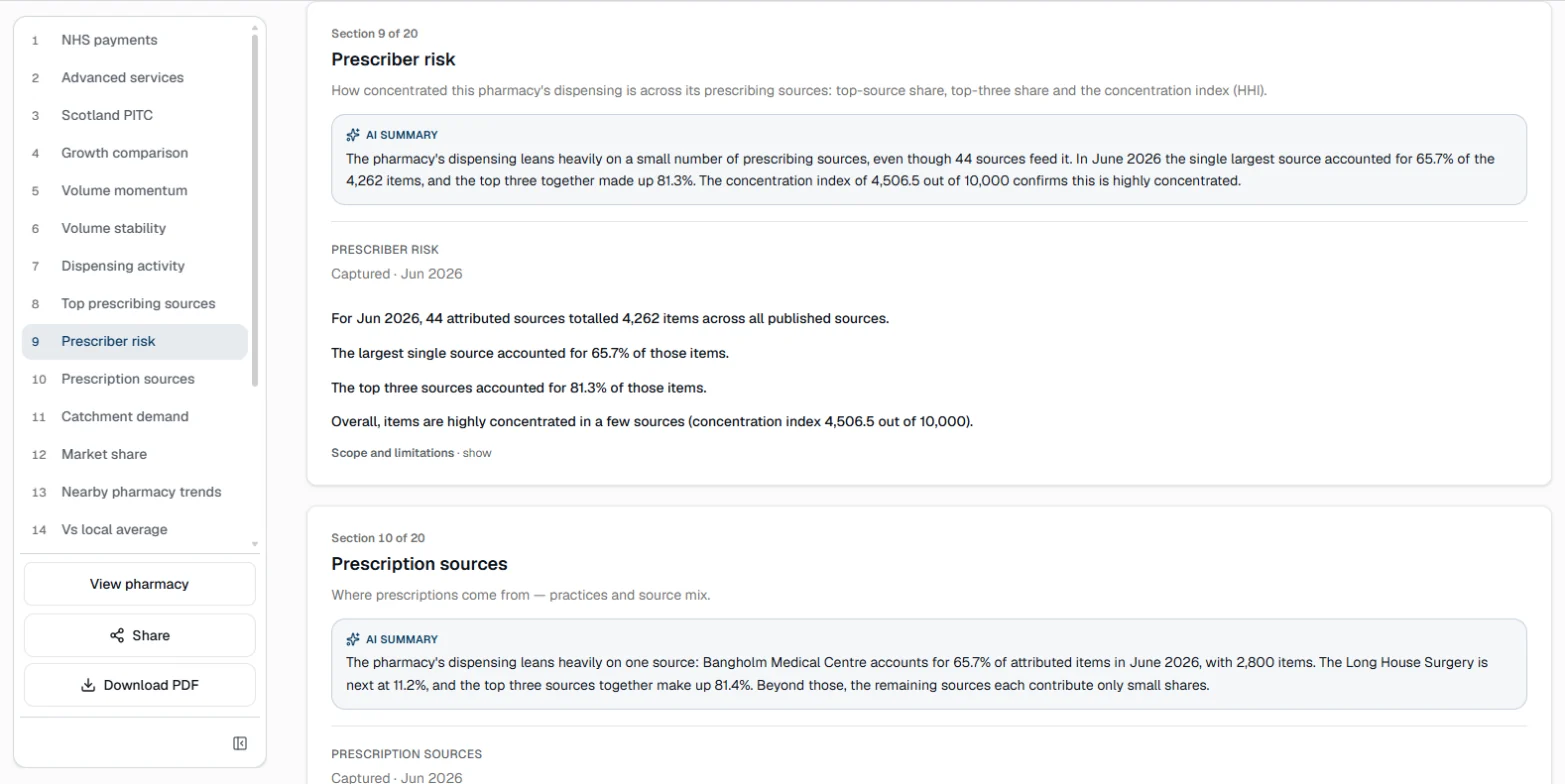
The date the figures were captured is fixed at the top. Then come a performance snapshot (headline figures from the sections you chose, each linking to its section), key findings, and every section in order.
Your reports
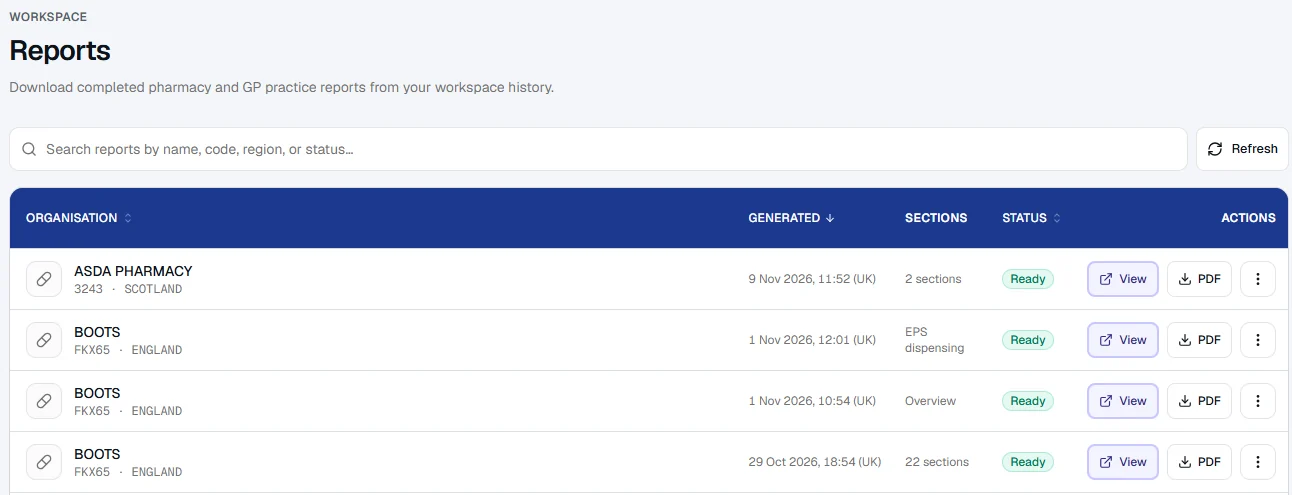
Reports in the dashboard menu lists every report, newest first. Search by name, code, nation or status.
| Action | What it does |
|---|---|
| Download PDF | The branded PDF, ready to attach to a file or send on |
| Share | Email the report to up to five people, with a note. They get the web link and the PDF |
| Copy link | A private link to the web copy |
| Revoke link | In the ⋮ menu. Switches the share link off |
Every report ends with a methodology: where each figure comes from, and its limits.